Animating Vector Addition in Matlab (Looking for improvements)

Click For Summary

Discussion Overview

The discussion revolves around improving a MATLAB script for animating vector addition. Participants explore ways to optimize the code to avoid repetitive structures when adding multiple vectors to the animation.

Discussion Character

  • Technical explanation
  • Debate/contested

Main Points Raised

  • One participant shares their initial code and expresses a desire to avoid repetitive code when adding multiple vectors to the animation.
  • Another participant suggests a revised approach that involves generating the figure only once and using a loop to grow each vector, potentially reducing redundancy.
  • A later reply indicates that the original poster found a solution by adjusting the scope of their plotting commands, allowing for updates without excessive repetition.
  • Another participant critiques the solution, suggesting that it still involves unnecessary copy-pasting and could be improved further for scalability.

Areas of Agreement / Disagreement

Participants do not reach a consensus on the best approach to optimize the code for multiple vectors. While some express satisfaction with the proposed solutions, others highlight ongoing issues with redundancy and efficiency.

Contextual Notes

Participants discuss the limitations of their current implementations, including the need for clearer structure to accommodate a larger number of vectors without excessive duplication of code.

PhDeezNutz
Messages
851
Reaction score
561
TL;DR
I eventually want to create a vector addition graphic in matlab. As in the literal "head to tail" idea.
Here is my code thus far and it seems to work (I've attached a gif as well so hopefully that works)
Matlab:
va1 = [50*cos(pi/3), 50*sin(pi/3)]; %Two different vectors both starting from the origin
vb1 = [20*cos(pi/6), 20*sin(pi/6)];

iterator = linspace(1,100,100); %100 iterations for the animation inside the for loop
vaiteratorx = linspace(0,50*cos(pi/3),100); % The ending x points for the first vector in successive animations
vaiteratory = linspace(0,50*sin(pi/3),100); % The ending y points for the first vector in successive animations

vbiteratorx = linspace(0,20*cos(pi/6),100); % The ending x points for the second vector in successive animations
vbiteratory = linspace(0,20*sin(pi/6),100);    % The ending y points for the second vector

for i = 1:length(iterator)
    clf
    
    if i <=50
        
        
        initial_point1 = [0,0];
        dp = [2*vaiteratorx(i) 2*vaiteratory(i)];
        q1 = quiver(0,0,2*vaiteratorx(i),2*vaiteratory(i),0,'color','m','linewidth',3,'MaxHeadSize',0.25);
        hold on
 
    else
      
        q1 = quiver(0,0,vaiteratorx(end),vaiteratory(end),0,'color','m','linewidth',3,'MaxHeadSize',0.25);
        hold on
        initial_point2 = [0,0];
        dp2 = [2*vbiteratorx(i-50) 2*vbiteratory(i-50)];
        q2 = quiver(0,0,dp2(1),dp2(2),0,'color','c','linewidth',3,'MaxHeadSize',50*0.25/20);
        hold on
          
            end
    
  
    xlim([0 200])
    ylim([0 ceil(9*200/16)]);
    set(gca,'color','k');
    set(gcf,'color','k');
    Ax = gca;
    Ax.XAxis.Visible = 'off';
    Ax.YAxis.Visible = 'off';
    Ax.XGrid = 'off';
    Ax.YGrid = 'off';
    Ax.Color = 'none';
    fig=gcf;
    fig.Units='normalized';
    fig.OuterPosition=[0 0 1 1];

    movieVector(i) = getframe(gcf)
end

myWriter = VideoWriter('SlideTwo','MPEG-4');
myWriter.FrameRate = 1;

open(myWriter)
writeVideo(myWriter,movieVector)
close(myWriter)

What I want to avoid doing is copying and pasting the last part of the last if block for each new else or elseif statement.

If I want to add to eventually add say 30 things to the animation then I will have to copy the last parts 30 times.How do I get around this?

Notice i had to replot "quiver1" for the "else" statement. I would hate to do this endlessly for successive parts.

Anyway I would appreciate any advice about how to approach this and here's the gif.
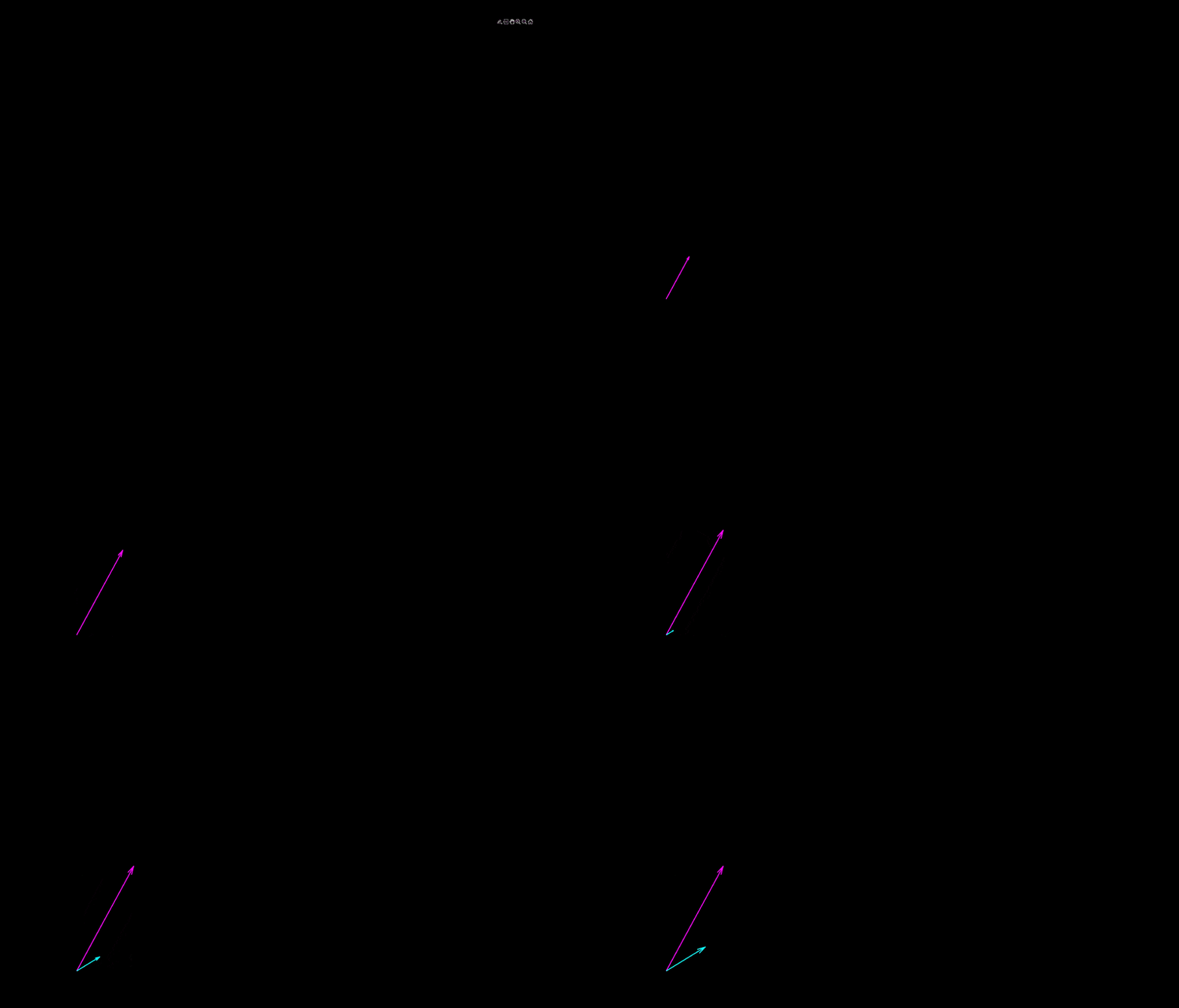
SlideTwo.gif


Wow that gif is slow.
 
Physics news on Phys.org
I presume you mean something like this?

[CODE lang="matlab" title="Plot vectors"]% Start with a clean slate
close all; clear all; clc;

% How many frames should be used to grow one vector
nFramesPerVector = 50;

% Just an example from quiver help to generate some vectors
% X = all x-coordinates of all vectors, likewise Y. U is
% length in X direction, likewise V.
[X,Y] = meshgrid(1:6,1:6);
U = 0.25*X;
V = 0.5*Y;

% Total amount of vectors
nvectors = numel(X);

% You need to generate the figure only once
fig = figure('Position', [0 0 1 1]);
fig.Units='normalized';
xlim([0 8])
ylim([0 9])
set(gca,'color','k');
set(gcf,'color','k');
Ax = gca;
Ax.XAxis.Visible = 'off';
Ax.YAxis.Visible = 'off';
Ax.XGrid = 'off';
Ax.YGrid = 'off';
Ax.Color = 'none';
hold on;

% A counter for the total amount of frames
iframe = 1;

% Loop over the vectors
for ivec = 1:nvectors

% Loop over the frames to grow one vector
for i = 1:nFramesPerVector

% Scale factor for the vectors
scaleFactor = i/nFramesPerVector;

% Plot the vector
q1 = quiver(X(ivec),Y(ivec), ...
scaleFactor*U(ivec),scaleFactor*V(ivec),0,'color','m',...
'linewidth',2,'MaxHeadSize',0.25);

% Save frame
movieVector(iframe) = getframe(gcf);

% Delete vector unless it is the final, full-sized vector
if i ~= nFramesPerVector
delete(q1)
end

% Increase frame counter
iframe = iframe + 1;
end
end

myWriter = VideoWriter('SlideTwo');
myWriter.FrameRate = 24;

open(myWriter)
writeVideo(myWriter,movieVector)
close(myWriter)[/CODE]
 
  • Like
Likes   Reactions: PhDeezNutz
I will try it as soon as I get home from thanksgiving dinner! Thank you very much for your response!
 
It was a simple fix. The overall structure was a bunch of if, elseif, else statements nested in a for loop. The problem was that I wasn't retaining the plots to update as the script goes to the next if statement. This was because the plotting was inside the if statements and therefore limited to that scope.

The fix was updating the variables inside the if block and plotting it outside of the if block (before the end of the for loop) while invoking the command "hold on".

The script is as follows and it produces exactly what I want. @Arjan82 's ideas helped me realize that I needed to think about scope.

[CODE lang="matlab" title="Fixed Vector Addition Animation"]va1 = [50*cos(pi/3), 50*sin(pi/3)]; %Two different vectors both starting from the origin
vb1 = [20*cos(pi/6), 20*sin(pi/6)];

iterator = linspace(1,150,150); %100 iterations for the animation inside the for loop
vaiteratorx = linspace(0,50*cos(pi/3),150); % The ending x points for the first vector in successive animations
vaiteratory = linspace(0,50*sin(pi/3),150); % The ending y points for the first vector in successive animations

vbiteratorx = linspace(0,20*cos(pi/6),150); % The ending x points for the second vector in successive animations
vbiteratory = linspace(0,20*sin(pi/6),150); % The ending y points for the second vector

% vabiteratorx = linspace(0,-(20*cos(pi/6) - 50*cos(pi/3)),150);
% vabiteratory = linspace(0,-(20*sin(pi/6) - 50*cos(pi/3)),150);

dp = [0,0];
dp2 = [0,0];
dp3 = [0,0];

for i = 1:length(iterator)
clf


if i <=50
dp = [3*vaiteratorx(i), 3*vaiteratory(i)];
elseif i <= 100
dp2 = [3*vbiteratorx(i-50) 3*vbiteratory(i-50)];
else
dp3 = [3*(vaiteratorx(i-100) - vbiteratorx(i-100)), 3*(vaiteratory(i-100) - vbiteratory(i-100))];
end

q1 = quiver(0,0,dp(1),dp(2),0,'color','m','linewidth',3,'MaxHeadSize',0.25);
hold on

q2 = quiver(0,0,dp2(1),dp2(2),0,'color','c','linewidth',3,'MaxHeadSize',50*0.25/20);
hold on

q3 = quiver(20*cos(pi/6),20*sin(pi/6),dp3(1),dp3(2),0,'color','c','linewidth',3,'MaxHeadSize',0.25);
hold on

xlim([0 200])
ylim([0 ceil(9*200/16)]);
set(gca,'color','k');
set(gcf,'color','k');
Ax = gca;
Ax.XAxis.Visible = 'off';
Ax.YAxis.Visible = 'off';
Ax.XGrid = 'off';
Ax.YGrid = 'off';
Ax.Color = 'none';
fig=gcf;
fig.Units='normalized';
fig.OuterPosition=[0 0 1 1];

movieVector(i) = getframe(gcf)
end

myWriter = VideoWriter('SlideTwoTwo','MPEG-4');
myWriter.FrameRate = 1;

open(myWriter)
writeVideo(myWriter,movieVector)
close(myWriter)[/CODE]
 
Well, you've asked how to do this when you have 30 vectors without all of the copy-pasting. Your solution still does a lot of unnecessary copy pasting and has lots of double code (try doing this for 30 vectors).

But if it works for you it's fine I guess :).
 

Similar threads

  • · Replies 1 ·
Replies
1
Views
4K
  • · Replies 27 ·
Replies
27
Views
3K
  • · Replies 1 ·
Replies
1
Views
2K
  • · Replies 5 ·
Replies
5
Views
6K
  • · Replies 3 ·
Replies
3
Views
4K
  • · Replies 2 ·
Replies
2
Views
2K
  • · Replies 7 ·
Replies
7
Views
16K