Haorong Wu
- 422
- 90
I do not know which forum I should turn to, so I post it here. If I should post it here, please help me move it.
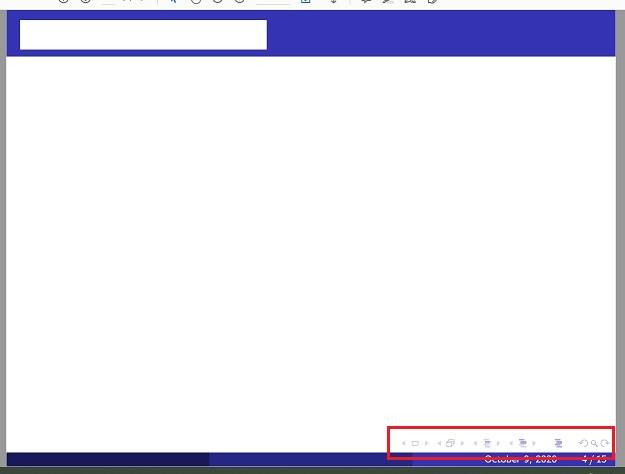
I want to delete those buttons at the bottom just before the footer. They are useless to me. I have googled them. But no relevant information shows up. Maybe I search them with wrong words. Maybe I should not call them buttons?
I want to delete those buttons at the bottom just before the footer. They are useless to me. I have googled them. But no relevant information shows up. Maybe I search them with wrong words. Maybe I should not call them buttons?