SUMMARY
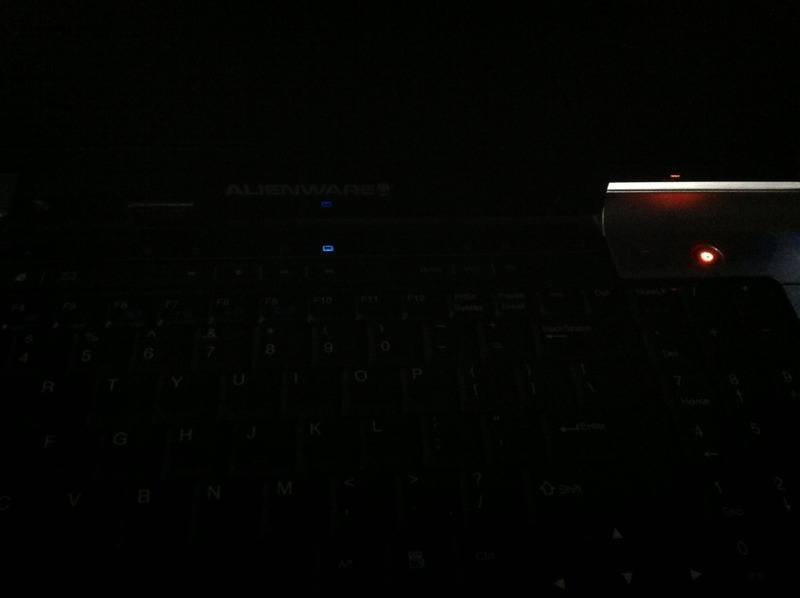
The Alienware Aurora 9700 is experiencing power issues following a graphics card replacement that involved excessive thermal paste application, leading to potential motherboard damage. The power button glows, indicating power is reaching the system, but pressing it does not initiate startup, suggesting further hardware failure beyond the graphics card. The discussion highlights the need for thorough diagnostics to identify the root cause of the failure, which may include inspecting the motherboard and other components.
PREREQUISITES
- Understanding of PC hardware components, specifically graphics cards and motherboards.
- Knowledge of thermal paste application techniques and their impact on hardware.
- Familiarity with power supply unit (PSU) functionality and diagnostics.
- Basic troubleshooting skills for desktop computers.
NEXT STEPS
- Research Alienware Aurora 9700 motherboard diagnostics and common failure points.
- Learn proper thermal paste application techniques to prevent future damage.
- Investigate power supply unit testing methods to determine if the PSU is functioning correctly.
- Explore troubleshooting steps for non-responsive power buttons in desktop systems.
USEFUL FOR
This discussion is beneficial for PC builders, hardware technicians, and anyone involved in troubleshooting or repairing Alienware systems, particularly those with experience in graphics card installations and thermal management.