Problem opening an Adobe pdf file with my Adobe Reader

  • Thread starter Thread starter yungman
  • Start date Start date
  • Tags Tags
    File Pdf
Join the discussion
Ask a follow-up here, or get your own question answered by working scientists, mathematicians and engineers — people, not an autocomplete.
Real named experts · corrections over time · the nuance an AI answer skips
4 replies · 2K views
yungman
Messages
5,741
Reaction score
291
Lately I have been receiving pdf files ( with Adobe sign) that I cannot open with my Adobe reader. I have no problem with all the Adobe pdf I have, just those from that sender. The error message is:
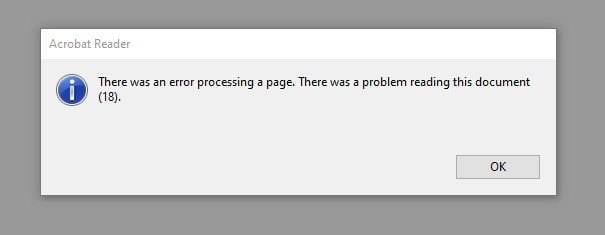
Adobe reading problem0.jpg


When I click OK, I have this message:
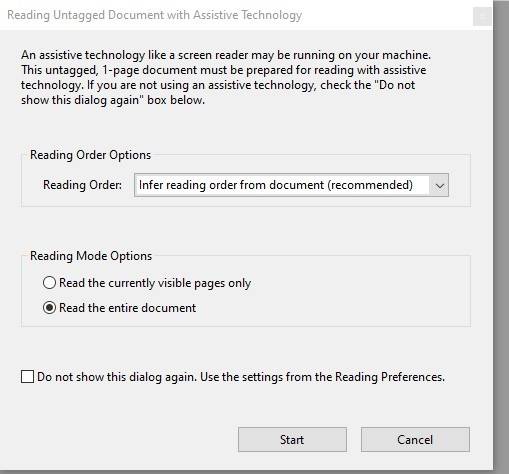
Adobe reading problem1.jpg


I tried all the options, got nowhere. Anyone know about this?

thanks
 
on Phys.org
jedishrfu said:
Here’s some suggestions some of which you tried. Perhs the active x is the one to fix it meaning there’s some media embedded. However I’d beware unless you trust this sender.

https://www.summitlighthouse.org/what-to-do-if-you-cannot-read-a-pdf/

is there a password on the pdf?
Thanks for the reply, there is no password. I even downloaded eXpert pdf reader and still won't work. I tried to reinstall Adobe reader, it said my version is up to date already. It's funny, when I first downloaded the pdf file, I could read it with the Chrome, but when I saved it it the folder, I couldn't open it anymore. I suspect it's the pdf that was sent to me has a problem, not on my side. Luckily, While it was still working, I printed it out already.

I'll try the suggestion you linked later

Thanks
 
You might want to do a good malware scan too as these files could potentially harbor one.

Also make sure you have backups of your important and not so important files.
 
yungman said:
when I first downloaded the pdf file, I could read it with the Chrome, but when I saved it it the folder, I couldn't open it anymore.
Try opening the saved file with Chrome instead of Adobe Reader. Right click on the file -> Open With -> Google Chrome. Let us know the results.