Discussion Overview
The discussion focuses on graphing equations involving three variables (x, y, z) using the TI-Nspire CX CAS calculator. Participants explore various methods for visualizing different types of equations, including ellipsoids and other three-dimensional shapes.
Discussion Character
- Exploratory, Technical explanation, Homework-related
Main Points Raised
- One participant inquires about graphing specific equations such as z=1-y^2, x=y^2+4z^2, and 36x^2+y^2+36z^2=36 on the TI-Nspire CX CAS.
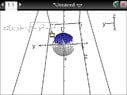
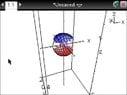
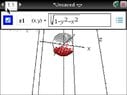
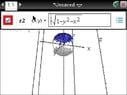
- Another participant shares their experience with graphing an ellipsoid, noting the challenge of solving for z and the need to consider both positive and negative roots to visualize the full shape.
- A third participant suggests using Wolfram|Alpha as an alternative tool for graphing, although this is not applicable during tests.
- There is a humorous exchange about the limitations of using the calculator during tests and the idea of using tattoos for graphing references.
Areas of Agreement / Disagreement
Participants express a shared interest in graphing capabilities on the TI-Nspire CX CAS, but there is no consensus on the best method for graphing complex shapes like ellipsoids. The discussion remains unresolved regarding effective strategies for these equations.
Contextual Notes
Participants mention specific limitations related to the TI-Nspire CX CAS and the context of testing, which restricts the use of external tools like laptops or online resources.