Online image hosting service, image embedding

  • Thread starter Thread starter PainterGuy
  • Start date Start date
  • Tags Tags
    Image
Click For Summary

Discussion Overview

The discussion revolves around the use of online image hosting services, specifically comparing Flickr and Imageshack for sharing images on Physics Forums. Participants explore issues related to image embedding, resizing images, and video embedding capabilities within the forum.

Discussion Character

  • Exploratory
  • Technical explanation
  • Debate/contested
  • Homework-related

Main Points Raised

  • Some participants express a preference for Imageshack due to its simplicity in sharing images, while others inquire about the advantages of Flickr.
  • There are questions about how to set images within a scrollable box, with one participant stating that this cannot be done using the forum software.
  • Participants suggest using image-editing software to resize images before uploading, with specific mentions of Photoshop and Paint as options.
  • One participant notes that Imageshack allows users to choose the size of the image during upload, while another mentions size restrictions for images on the forum.
  • There is a discussion about embedding videos, with one participant stating that raw HTML cannot be used and suggesting the use of a specific icon in the message-editing window for embedding YouTube videos.
  • Another participant mentions the option to attach images directly to posts, highlighting size restrictions for attachments.
  • There is uncertainty regarding whether the forum has a video hosting feature, with conflicting responses about its availability.
  • One participant mentions a potential change in image size limits for the forum, indicating that it may now allow larger dimensions than previously stated.

Areas of Agreement / Disagreement

Participants express differing views on the best image hosting service and the capabilities of the forum regarding image and video embedding. There is no consensus on the optimal approach for embedding images or videos, and some technical details remain unresolved.

Contextual Notes

Limitations include uncertainty about the exact capabilities of the forum software regarding image and video embedding, as well as conflicting information about image size restrictions.

Who May Find This Useful

Users interested in sharing images and videos on forums, particularly those who are non-native English speakers and may benefit from visual aids in discussions.

PainterGuy
Messages
938
Reaction score
73
hello everyone,

as u know there are many image hosting websites out there. the two worth mentioning when it comes to sharing are flickr and imageshack. they both are very simple but imageshack (whch i started using some time back) is more simple when it comes to sharing. which service do you prefer or recommend??

testing if image embedding words on this forums:--
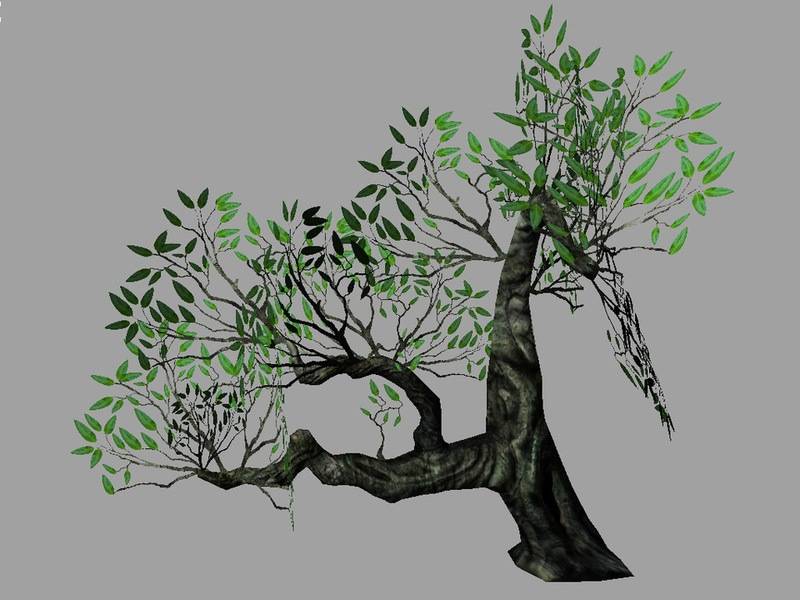
tree02.jpg


as you see to see the complete you have to scroll the window. i think yesterdya while checking out this forums i came across a post where some1 had used an image where it was set within a scrollable window. i don't remember the location of this thread because i simply stumble onto it. how do i set the image within a scrollable box? and what changes should i make to reduce the size of above image?? any ideas, please.testing whether video embedding woks:--

<iframe title="YouTube video player" width="480" height="390" src="http://www.youtube.com/embed/-2EekZ6kCpM" frameborder="0" allowfullscreen></iframe>

i wanted to embed the above mentioned video. somehow the embedding link provided by utube doesn't work here. any ideas as to why this is so?

any help would be most welcome. cheers
 
Computer science news on Phys.org
painterguy said:
how do i set the image within a scrollable box?

There's no way to do this in the PF forum software, as far as I know. It would have to be done by the image-hosting service that you're using. But I don't remember ever seeing any resizeable imbedded images like this on PF, myself.

what changes should i make to reduce the size of above image??

Use image-editing software on your computer to make a smaller version of the image, before uploading it to the image-hosting site. There are free or inexpensive image editors for Windows, MacOS, or Linux. Someone else will have to suggest something suitable because I use Photoshop.

testing whether video embedding woks:--

You can't use raw HTML tags here. To embed Youtube videos, click on the little TV icon in the message-editing window. I don't know if you can embed video from other sites.
 
jtbell said:
Use image-editing software on your computer to make a smaller version of the image, before uploading it to the image-hosting site. There are free or inexpensive image editors for Windows, MacOS, or Linux. Someone else will have to suggest something suitable because I use Photoshop.

For quick jobs, I use the resize function in Paint.
 
Imageshack asks you what size you want the picture when ou up load it, it's not necessary to resize it first, unless you mean to crop part of it off.

For this forum we do not allow pictures larger than 650 x 490. Anything larger skews the page.

To upload a picture to the forum all you have to do is click on the picture frame to the right of the envelope in the tool bar above (need to be in advanced mode) and paste in the url of the picture on the host site.
 
Note that you can also attach a picture to a post, by clicking the "Manage Attachments" button in the "Additional Options" section below the message-editing pane. This uploads the file from your computer to the PF server (so you don't need to host the image elsewhere) and displays a thumbnail at the bottom of the post. There are restrictions on image size (in both pixel dimensions and kilobytes), and the viewer has to click on the thumbnail to see the image full size.
 

Attachments

  • tree02.jpg
    tree02.jpg
    53.1 KB · Views: 545
thnx everyone. it's cool then. i wud host my images here or on imageshack if there is a need. actully being a non native english speaker pictures and diagrams could make thngs really simple to explain...is there also video hosting feature within the this forums. thanks for any help i can get.
 
painterguy said:
is there also video hosting feature within the this forums.

I don't believe so.
 
Evo said:
For this forum we do not allow pictures larger than 650 x 490. Anything larger skews the page.

I believe it is 800x600 now. Zz changed the size of the pictures for photo contests.
 

Similar threads