ART21
- 4
- 0
I have installed one app in windows 7 ultimate. When I run .exe file it will open but suddenly message will come like
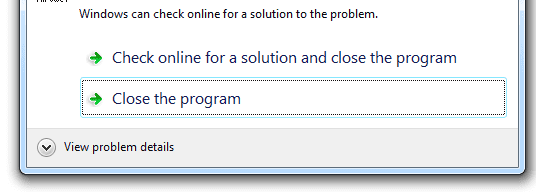
Then i tried to change it in My computer setting that is My computer->properties->advanced system setting->advanced tab->performance setting->Data Execution Prevention->Turn on DEP for all programms and services except those I select
Then added executeble file and clicked add but it is showing like
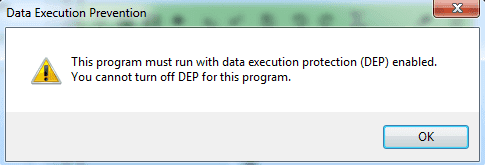
what is solution for this problem?
Then i tried to change it in My computer setting that is My computer->properties->advanced system setting->advanced tab->performance setting->Data Execution Prevention->Turn on DEP for all programms and services except those I select
Then added executeble file and clicked add but it is showing like
what is solution for this problem?