SUMMARY
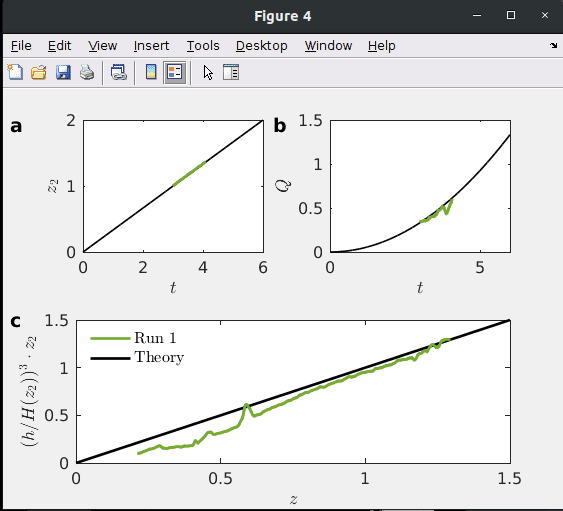
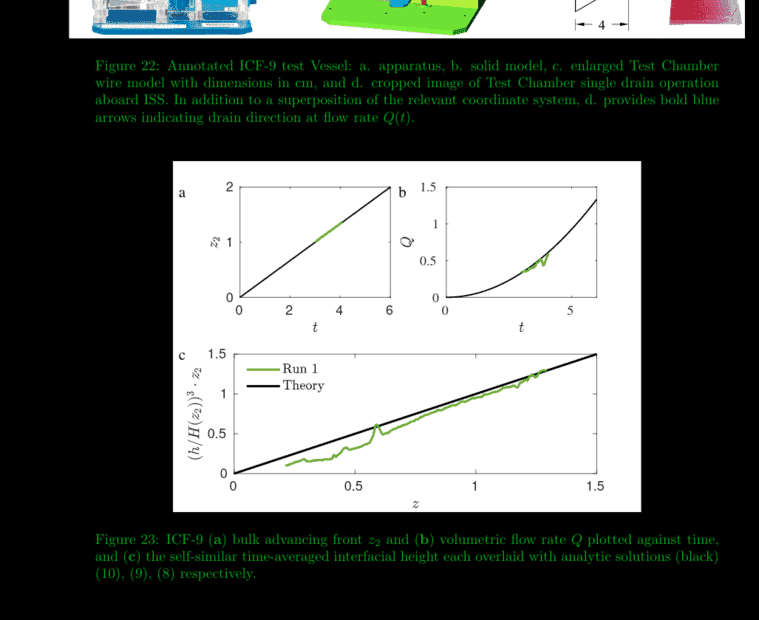
The discussion centers on enhancing figure annotations in MATLAB to achieve a bolder appearance in LaTeX output. The user initially faced issues with standard bold settings not translating effectively, despite the MATLAB window displaying bold annotations. Suggestions included adjusting the 'linewidth' property and using LaTeX commands like \textbf{}. Ultimately, the user resolved the issue by copying annotations from a different figure where the bold effect was successfully applied.
PREREQUISITES
- Familiarity with MATLAB figure annotation techniques
- Understanding of LaTeX formatting for text
- Knowledge of MATLAB's 'linewidth' property
- Experience with figure manipulation in MATLAB
NEXT STEPS
- Research MATLAB figure annotation customization options
- Explore LaTeX text formatting commands for enhanced styling
- Learn about MATLAB's 'linewidth' property and its effects on figure aesthetics
- Investigate troubleshooting techniques for figure formatting issues in MATLAB
USEFUL FOR
Researchers, data analysts, and anyone using MATLAB for creating figures who want to enhance the visual impact of their annotations in LaTeX outputs.