Discussion Overview
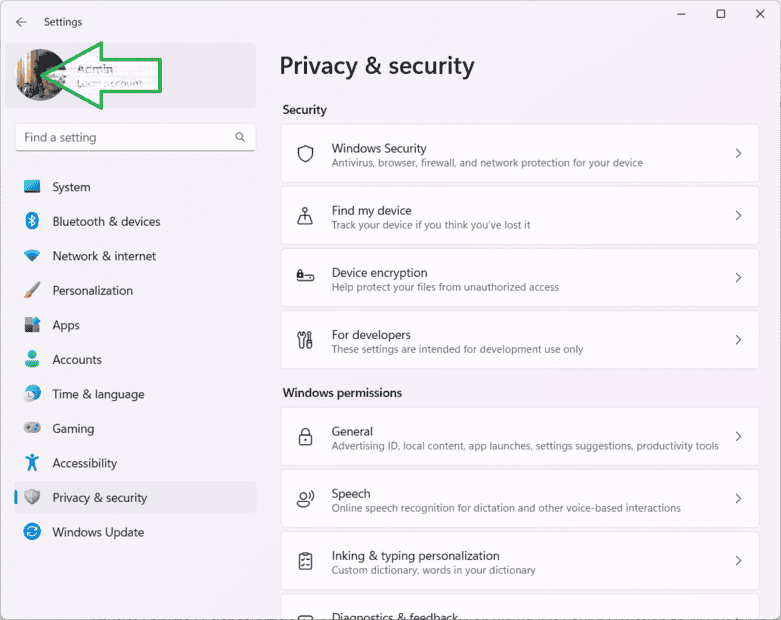
The discussion revolves around locating the user account picture in Windows 11, specifically where the image is stored on the system. Participants explore various methods and suggestions related to this issue.
Discussion Character
- Technical explanation, Debate/contested
Main Points Raised
- One participant seeks the specific location of the user account image on their system.
- Another participant suggests checking under the Accounts section for the image.
- A different participant proposes using the "Take a photo" option to set an account image but reiterates the need to know where that image is stored.
- Some participants recommend searching online for information about the storage location of account profile images in Windows 11.
- One participant notes that no definitive answer has been provided regarding the exact location of the image for local accounts in the forum.
- Another participant shares that their image appears to be stored in the Microsoft cloud rather than locally, based on their experience with copying the image link.
Areas of Agreement / Disagreement
Participants do not reach a consensus on the exact location of the user account image, with multiple competing views and suggestions presented throughout the discussion.
Contextual Notes
There are limitations in the discussion regarding the lack of definitive information on the storage location of account images, and the reliance on personal experiences and online searches rather than established facts.