My user account picture in windows 11

  • Thread starter Thread starter Khi Choy Xichdu
  • Start date Start date
  • Tags Tags
    Picture Windows
Join the discussion
Registration is free. Ask a follow-up in this thread, or start your own.
6 replies · 4K views
Khi Choy Xichdu
TL;DR
Where is my user account picture stored in windows 11? The one I took with my built-in camera when I set up my *local* user account information in Settings.
I'd like to get the location of this image in my system
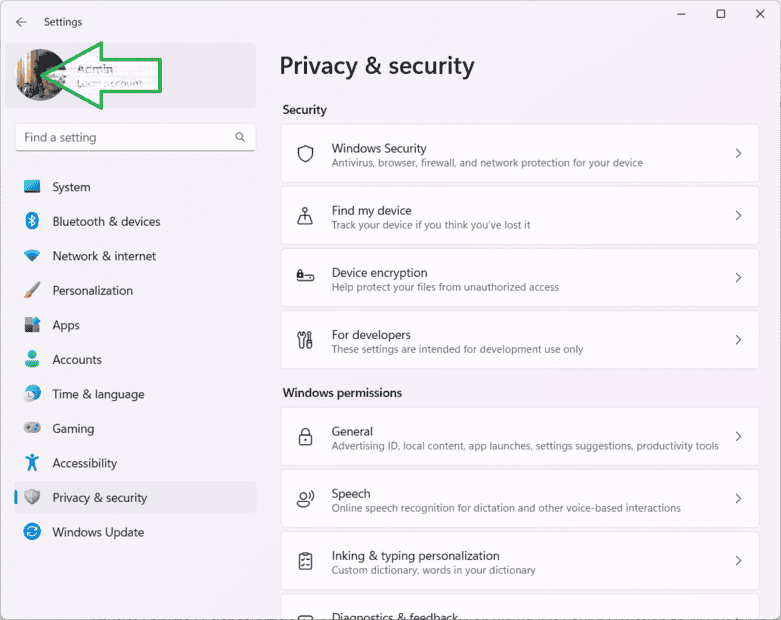
1682234956559.png
 
Physics news on Phys.org
No, that can't get what I want to.
Try this in your "Accounts-> Your Info->Take a photo", which opens your laptop's built-in camera, take one picture of you, then set it as your Account image. I want to know where that image is stored.
 
Khi Choy Xichdu said:
No one can actually tell exactly where the image set for their local account is located. At least in this forum.
When you see your picture in your Account information like in post #3, right-click and "Copy image link". Then paste that info into a text file to see where it points. Worked for me. (mine appears to be in the Microsoft cloud and not kept locally)