SUMMARY
The discussion centers on software options for drawing statics and dynamics mechanical diagrams. Users recommend QuickCAD, a basic CAD package from AutoCAD, and AutoSketch for Windows, noting their capabilities for creating detailed drawings, albeit slowly. For high-quality images, Adobe Illustrator and MATLAB are suggested as professional tools used in academic publications. Additional resources include Physics Mechanics Clip Art Maker by Tom Walsh and various online platforms for inspiration.
PREREQUISITES
- Basic understanding of CAD software, specifically QuickCAD and AutoSketch.
- Familiarity with Adobe Illustrator for high-quality graphics.
- Knowledge of MATLAB for technical illustrations.
- Awareness of online resources for drawing inspiration, such as GeoGebra and TikZ.
NEXT STEPS
- Explore advanced features of AutoCAD for mechanical drawing.
- Learn how to use Adobe Illustrator for creating technical diagrams.
- Investigate MATLAB's capabilities for generating graphics in engineering texts.
- Research TikZ for LaTeX to create high-quality vector graphics in documents.
USEFUL FOR
Engineers, technical illustrators, and educators looking to create precise mechanical diagrams and high-quality illustrations for academic or professional use.
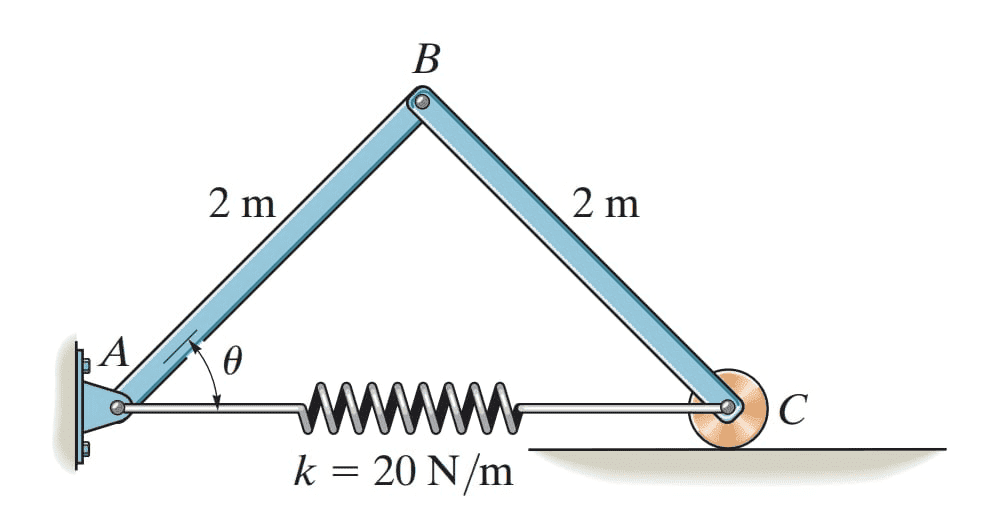 And set Dimensions