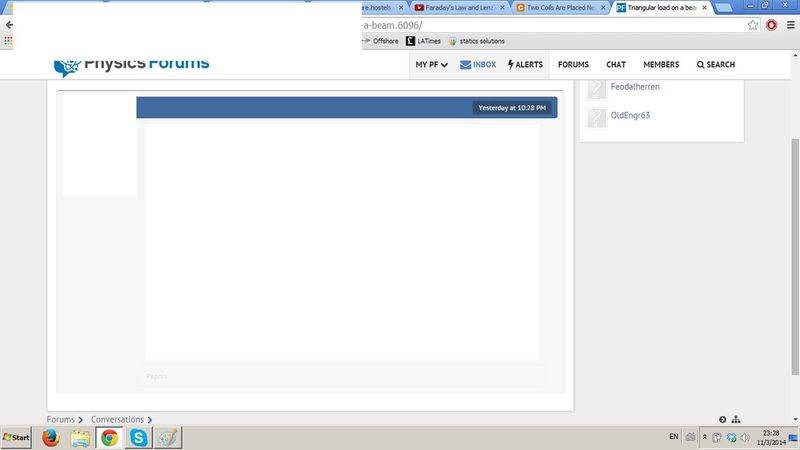
Conversations, how do I respond?

  • Thread starter Feodalherren
  • Start date
7 replies · 2K views · last reply
Feodalherren
Messages
604
Reaction score
6
So I cannot, for the life of me, figure out where on Earth the button to respond to a "conversation" is...? Help?
 
There's a "reply" button on the bottom right of the screen, the same as in a regular post like this one. It automatically ships your message to the sender's inbox.
 
Feodalherren said:
I can't find it...
The color of the reply is a light gray and might be hard for you to see. Hover your mouse pointer over it and it darkens. See attachment.

?temp_hash=0d04387d8b78754d0e174edac009a315.jpg
 
Attachments
  • reply.jpg
    reply.jpg
    7 KB · Views: 564
  • Like
Likes   Reactions: Greg Bernhardt
Feodalherren said:
Screenshot of a Physics Forums conversation page in a browser, showing a blank message bubble timestamped Yesterday at 10:28 PM with no visible text.

Nothing there... :/
I've never seen a screen that looked like that, so I'm not sure, but 1) that doesn't look like any message that I've ever received so there's nothing to respond to, and B) your right-hand scroll bar isn't all the way down.

edit: Never mind; I see that it's been dealt with.