SUMMARY
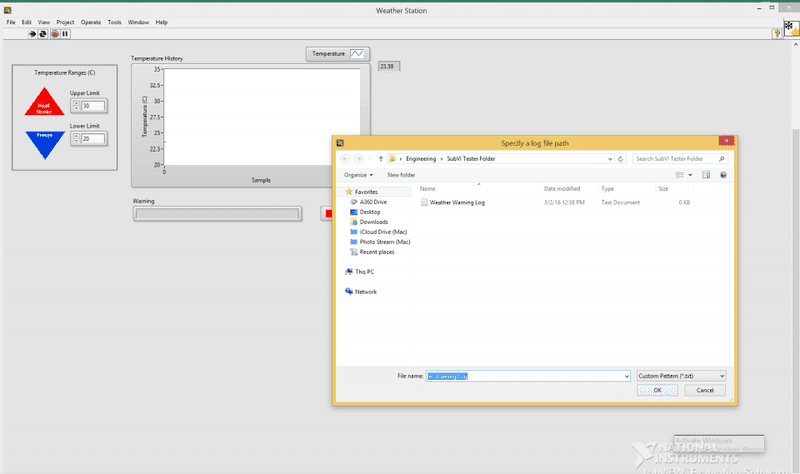
The forum discussion centers on a user experiencing issues with a LabView Weather Data Log exercise, specifically regarding the program's requirement to store data in a file after each run. The user is operating on a Mac using Parallels Desktop, which may influence the program's behavior. Key concerns include the continuous operation of the program and the implications of logging data to a file repeatedly, including file size management. The discussion highlights the need for a solution that allows for uninterrupted data logging without manual file storage prompts.
PREREQUISITES
- Understanding of LabView programming environment
- Familiarity with data logging concepts
- Basic knowledge of file management in programming
- Experience with Mac operating systems and virtualization tools like Parallels Desktop
NEXT STEPS
- Research continuous data logging techniques in LabView
- Explore file handling and management in LabView
- Learn about optimizing data storage to prevent excessive file size
- Investigate the impact of running LabView on Parallels Desktop on performance
USEFUL FOR
This discussion is beneficial for LabView developers, data logging engineers, and users running LabView on Mac systems, particularly those utilizing virtualization software like Parallels Desktop.