bruha said:
Thanks, still question--if connected to mount and a I (handy) move its, it can display azimuthal position and polar aligment..


?
I'm not quite sure what you are asking. But I'll take a stab at an answer.
If you ever adjust your mount using manual controls, then no. Neither the mount or the device that is controlling the mount will know what the azimuth, altitude, declination, or right ascension are, once you change anything with the physical, manual controls. All bets are off, and you'll need to re-align your mount.
If you have a mount that is capable of being controlled electronically (such as a GoTo mount), you'll first need to align your mount. Then lock down the manual controls (if you haven't already). Once the mount is aligned (and the manual controls locked down), the mount and/or the device controlling the mount should be able to keep track of the azimuth, altitude, declination, and right ascension so long as they are only adjusted electronically by "slewing," tracking, and/or autoguiding, assuming the mount is capable of such things.
That said, a device such as the ASIAIR Pro, or something like my setup (a mini-PC running Windows 10 and such programs as SharpCap, N.I.N.A., Stellarium, etc.) can* aid in both polar alignment and stellar alignment. But once aligned, you can't touch the manual controls or move your mount/tripod. If you do, you'll need to start over.
*perhaps a better word is "may": The mount and device controlling it need to be compatible.
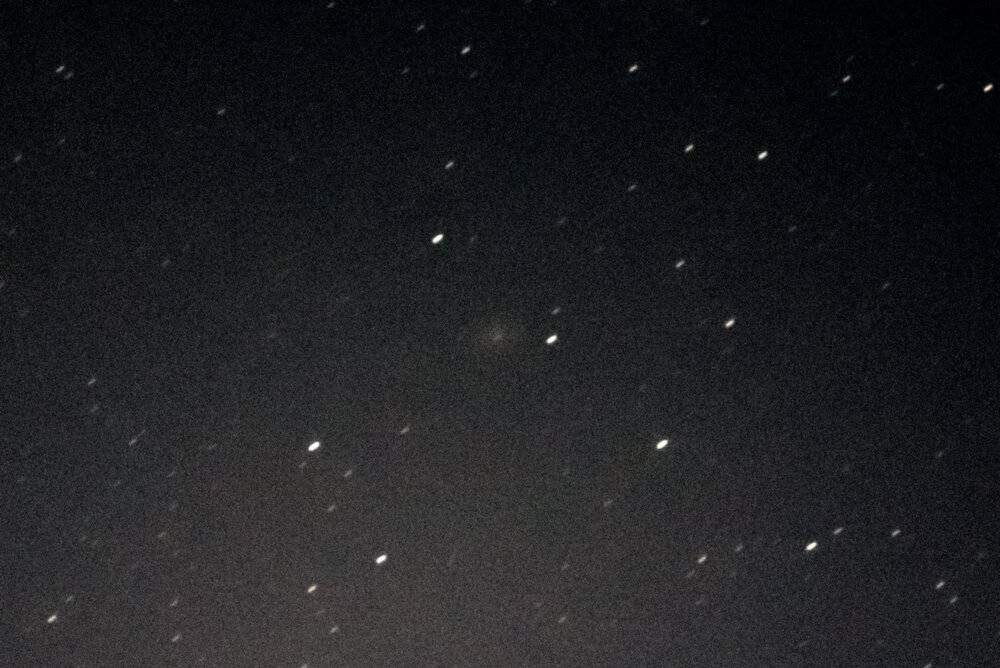
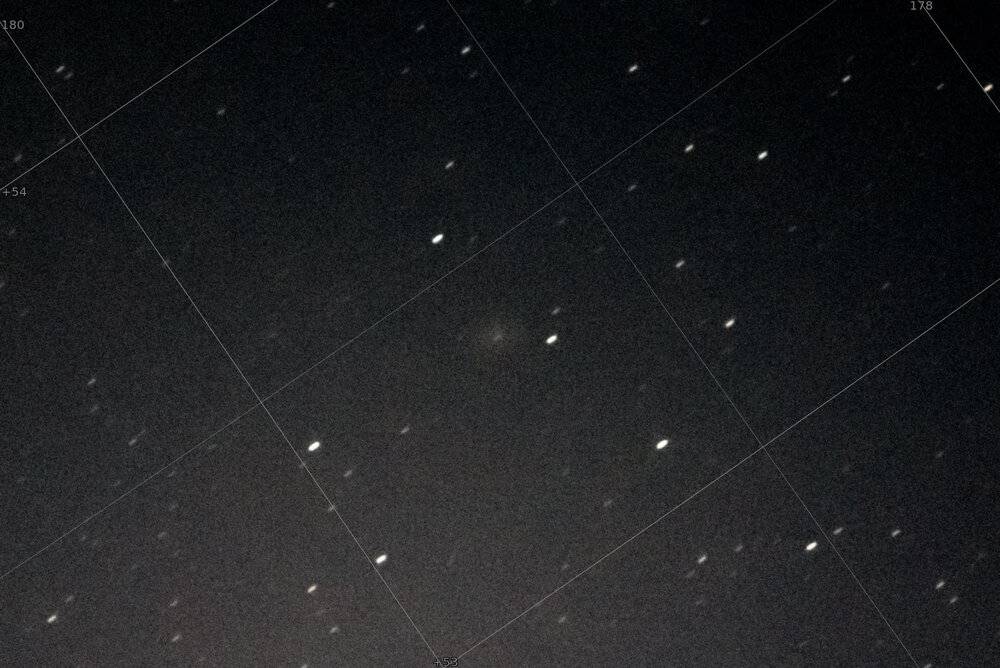
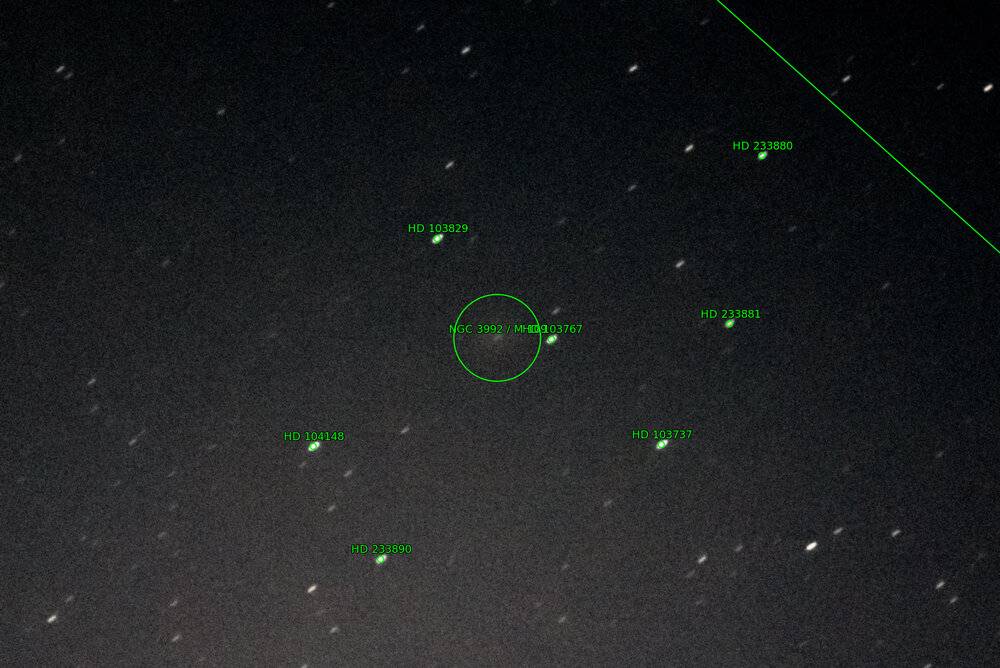
[Edit: Modern controllers (ASIAIR Pro included) have capabilities that make alignment much quicker and easier such as "plate solving" tools. If you ever loose alignment, they can help get you back aligned in a jiffy. My original point though is that if you ever adjust anything manually, you'll lose alignment and you'll need to re-align, whether that involves plate solving or not.]