Discussion Overview
The discussion revolves around computing the ratio of two fields, A and B, from different sheets within the same Excel workbook using Pivot Tables or other Excel functionalities. Participants explore various methods and challenges associated with this task, including the need for matching instances across tables.
Discussion Character
- Exploratory
- Technical explanation
- Debate/contested
Main Points Raised
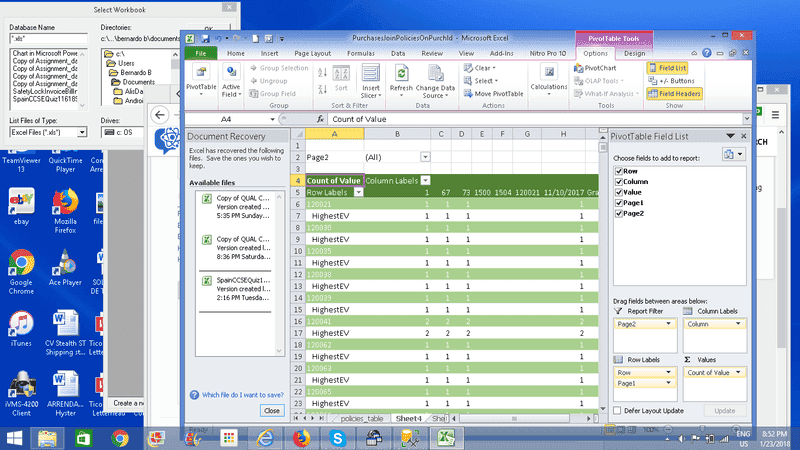
- One participant seeks advice on computing the ratio A/B from two fields located in different sheets, expressing difficulty in using the Excel Wizard.
- Another participant requests clarification on the initial query, suggesting they might find a clean solution while acknowledging existing hacks.
- A participant explains the need to compute the ratio for the same instance across both tables, indicating a requirement for a join operation to ensure A_i/B_i is calculated rather than A_i/B_j.
- Concerns are raised about the limitations of using Excel for this task, with a suggestion that programming tools like pandas or numpy would be more suitable for such operations.
- A proposed method involves creating a formula that references the two pivot tables without clicking on the pivot cells to avoid incorrect references, and using VLOOKUPs to retrieve values before performing the division.
- Another participant reiterates the challenges of explaining Excel operations through text and expresses discomfort with the limitations of spreadsheets for complex tasks, suggesting a video tutorial might be more effective.
- Additional complexity is introduced by the fact that field B is an aggregate, complicating the SQL query process due to the need for groupings.
Areas of Agreement / Disagreement
Participants express various challenges and propose different methods, but there is no consensus on a single effective solution. The discussion remains unresolved with multiple competing views on how to approach the problem.
Contextual Notes
Participants note limitations in Excel's ability to handle the required operations effectively, particularly regarding the need for matching instances and the complexity introduced by aggregate functions.