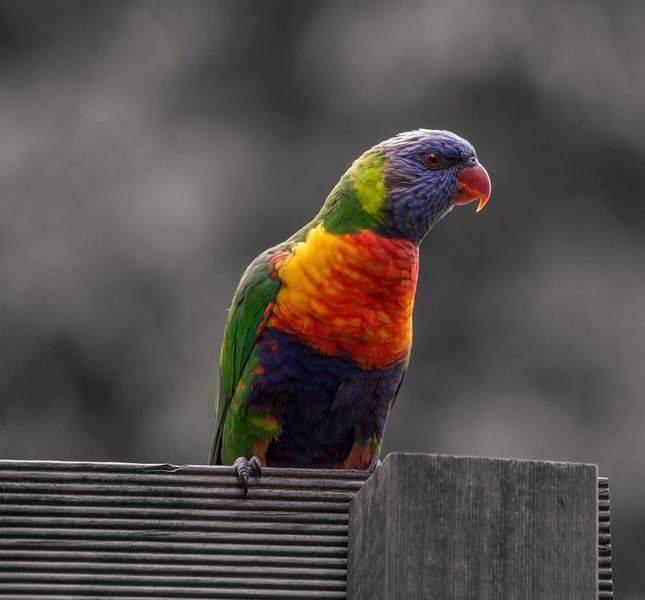
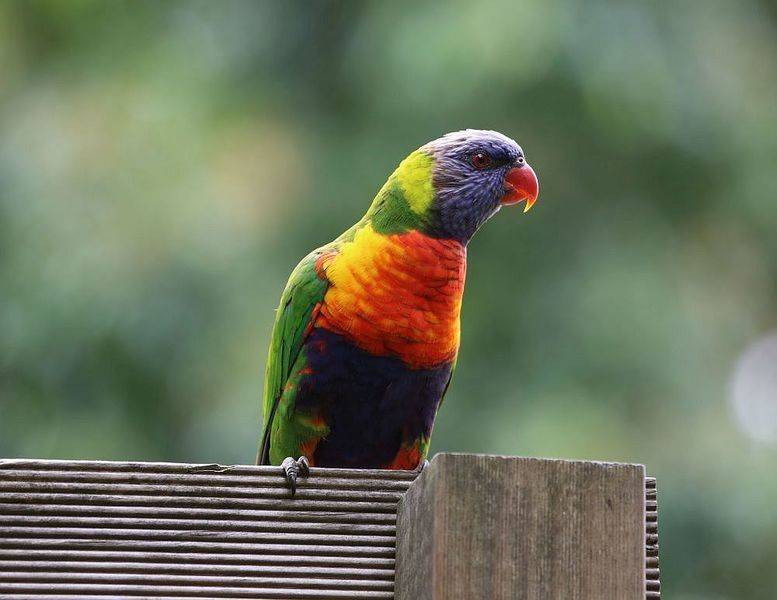
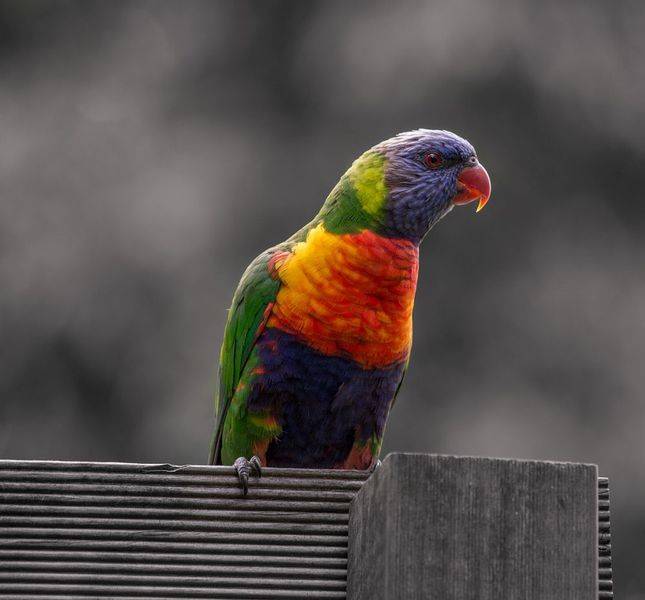
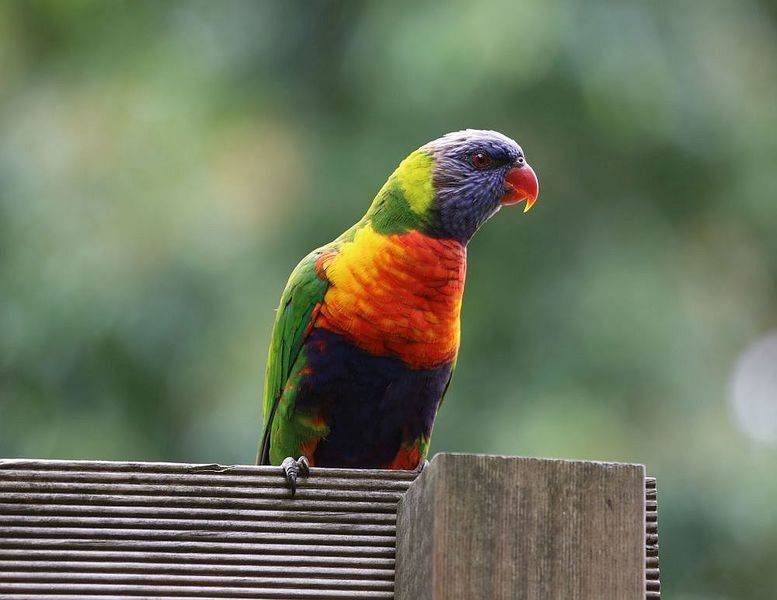
davenn said:
you could up the f-stop a bit and that will increase your DOF, resulting in more of the subject being in focus :)
would be interesting to see the EXIF data for those bird shots
Sure- but there are always tradeoffs: increasing the f-stop also means I have to either increase the acquisition time or ISO. I was already at ISO400 for 1/250s exposure, which is usually too slow- it needs to be at least 1/500s, since animals rarely take direction. For my camera, sensor noise generally becomes distracting between ISO400 and ISO1600 and is truly irritating after that. (Andre clued me in about Neat Image, and that helps a lot- I didn't use that here, tho). I love my camera- it still works great, but it's starting to show its age and there are two bright, shiny, models out there I wouldn't mind upgrading to when the opportunity arises... The longer I wait, the cheaper they get.
EXIF data... you know, I've never looked at it... ever. Here's what I have from
http://exifdata.com/ for one of the bird shots (it's a crop, not the full frame): keep in mind the lens is a manual-focus Nikon (400/2.8), so the lens data isn't accurate.
Make: SONY
Model: DSLR-A850
Aperture: 1
Exposure Time: 1/250 (0.004 sec)
Lens ID: 65535
Focal Length: 0.0 mm
Flash: Off, Did not fire
File Size: 1938 kB
File Type: JPEG
MIME Type: image/jpeg
Image Width: 2498
Image Height: 3858
Encoding Process: Baseline DCT, Huffman coding
Bits Per Sample: 8
Color Components: 3
X Resolution: 350
Y Resolution: 350
Software: DSLR-A850 v2.00
YCbCr Sub Sampling: YCbCr4:2:0 (2 2)
Exposure Program: Manual
Date and Time (Original)
2014:05:03 14:21:18
Max Aperture Value: 1
Metering Mode: Spot
Light Source: Unknown
Color Space: sRGB
Custom Rendered: Normal
Exposure Mode: Manual
White Balance: Auto
Focal Length In 35 mm Format: 0 mm
Scene Capture Type: Standard
Contrast: Normal
Saturation: Normal
Sharpness: Normal
F Number: 1
Exposure Compensation: -1
ISO: 400
Orientation: Horizontal (normal)
XMP Toolkit: XMP Core 4.4.0
Hey, you asked... :)
I've tried out lots of post-processing programs (Lightroom is indeed quite good)- but it's most important to *start* with a good image. Also, and this is my own opinion/philosophy, I prefer not to do any post-processing other than global adjustments like white balance and brightness/contrast. ImageJ is more than adequate for me.