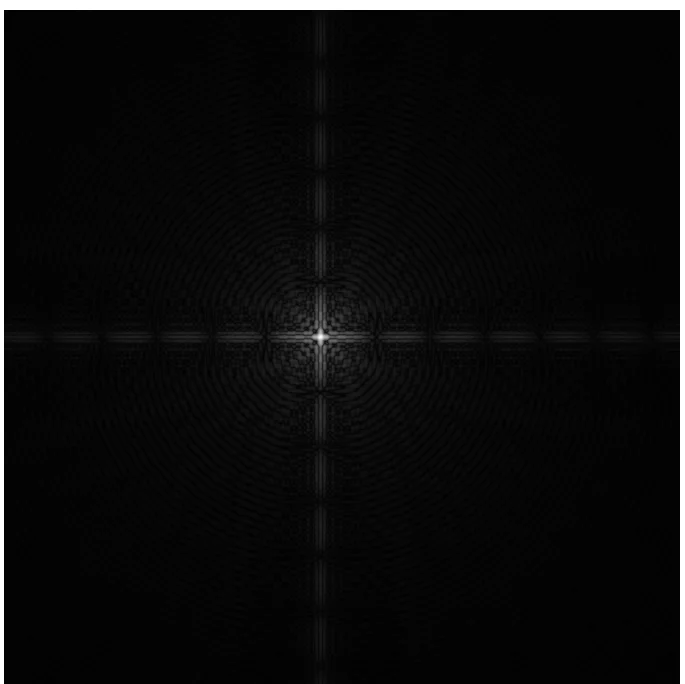
On the subject of brightness, the typical way of dealing with this would be
np.log(1+abs(ft)). Also, look at the documentation for imshow. Does it scale the output so that the brightest point is 255? If not, do that.
Let's do some maths. The 1d top hat function (##f(x)=1## for ##|x|<W/2##, 0 otherwise) transforms to $$\frac{\sin(\pi W k/N)}{\sin(\pi k/N)}$$(
Wikipedia) where ##N## is the number of pixels across your image and ##W## is the top hat function width in pixels. Eyeballing your image, you have ##W/N\approx 0.1##, so you would get this:
If you plug in ##W/N=0.9## you would get this:
The latter looks to me more like what you are expecting, so make your aperture much larger - play around with 50-90% of the width of your image. Up the number of pixels if you want more detail (FFTs work well with powers of two pixel sizes - I think FFTW underlies python's DFFT, and that's more flexible, but ##2^n## is always good).
Note: the 1d transform I've shown is a cross-section of a square aperture, so won't exactly match a cross-section of the FT of a round aperture, which would be a Bessel function of the first kind. It's close enough for jazz. Your aperture function is also more complicated than a simple top hat, so you don't expect it to match anyway. That's why you'll need to play around with the scale to get something that looks similar to the original image.